Optimizing GTA 6 on Base PS5: Technical Tweaks to Improve Performance
Gamers and analysts have discovered ways to mitigate performance drops and image blur in GTA 6 on the standard PlayStation 5 version.
 💡Tech
Photo: RBC-Ukraine
Key points
- Gamers face frame drops and blur in GTA 6 on base PS5
- Clearing cache and disabling HDCP improve system stability
- Adjusting motion blur and HDR calibration enhance image clarity
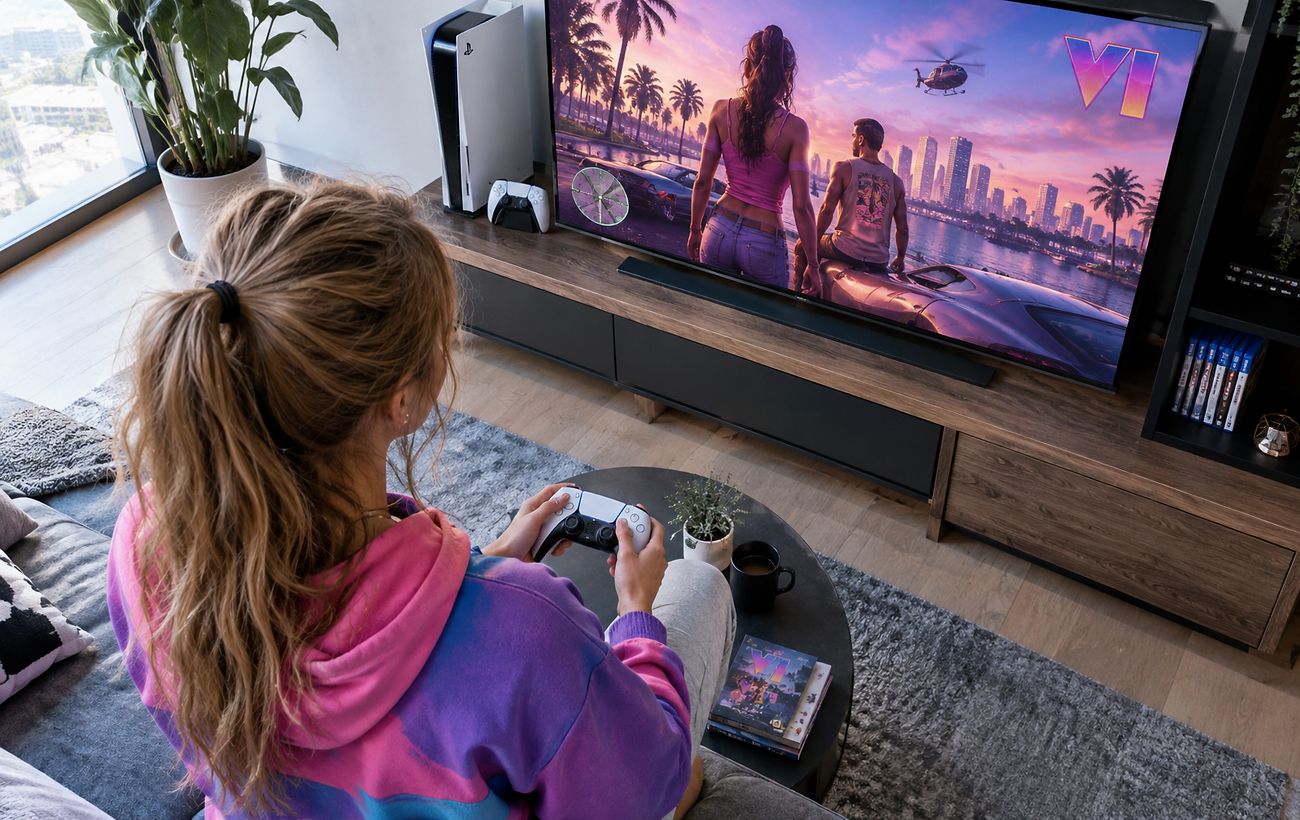
The highly anticipated release of Grand Theft Auto 6 on the base PlayStation 5 console comes with certain technical hurdles for players. During action-packed scenes, users face frame rate drops below 30 FPS, image blurring, and occasional system crashes. Although the upgraded PS5 Pro handles these loads more stably, the standard console is still capable of delivering an acceptable gaming experience with proper configuration.
Since simply deleting and reinstalling files does not always resolve the issues, experts and the community suggest a series of technical steps. Specifically, clearing the system cache and rebuilding the database through the console's safe mode can help. Additionally, it is recommended to disable the HDCP parameter in the HDMI settings to reduce latency and improve overall system stability.
Graphics Adjustments and Screen Calibration
The main reason for blurriness on the base PS5 is the lack of PSSR technology support, causing the game to render at 1440p resolution using spatial upscaling and intensive TAA anti-aliasing. This effect can be partially mitigated directly within the in-game Display menu by adjusting the Motion Blur Strength slider. Experts advise against completely turning off motion blur to prevent camera movements from becoming too sharp, but tuning it according to your display type yields noticeable results.
Other effective tips include recalibrating HDR settings either through the PlayStation 5 system menu or within the game's HDR Calibration display menu. Furthermore, it is crucial to ensure that the game mode is enabled on your television if supported, as this disables unnecessary video processing and minimizes input lag.
Source RBC-Ukraine — rbc.ua/ukr/news/gta-6-ps5-mozhe-pratsyuvati-krashche-ki-nalashtuvan… ↗
Read next
 🇺🇦Ukraine
Trip to Moscow: German Defense Minister Evaluates Kremlin's Diplomatic Initiatives
German Defense Minister Boris Pistorius stated that Europe should not reject potential talks in Moscow, but real steps toward a ceasefire must remain the primary benchmar…
 🚨Events
Famous Hippo Fiona Dies at US Zoo After Swallowing Visitor's Hat
Nine-year-old Fiona the hippo has died at the Cincinnati Zoo after swallowing a knitted hat dropped into her enclosure by a visitor.
 🛡️Security
Russian Foreign Ministry Rejects US Proposal for NATO-Style Security Guarantees for Ukraine
Moscow has officially stated that any forms of quasi-membership in NATO for Ukraine are unacceptable as part of security guarantees.
 🩺Health
Odesa Region Launches Selection Process for Hospital Supervisory Boards
Odesa has officially announced a competitive selection for independent members of supervisory boards in four cluster hospitals. The process aims to comply with national h…
 🧠AI Analysis
The Military Justice Debate in Ukraine: Why Experts Warn Against Restoring Military Courts
The "Pryncyp" human rights center for military personnel has analyzed the initiative to restore military justice and outlined the risks of establishing separate courts du…
 🏙️City
Winter Travel in Europe: Where to Find Unusual Christmas Markets
Travel Off Path has highlighted some of Europe's most unique winter destinations, featuring underground markets in the Netherlands and alpine celebrations in Switzerland.